
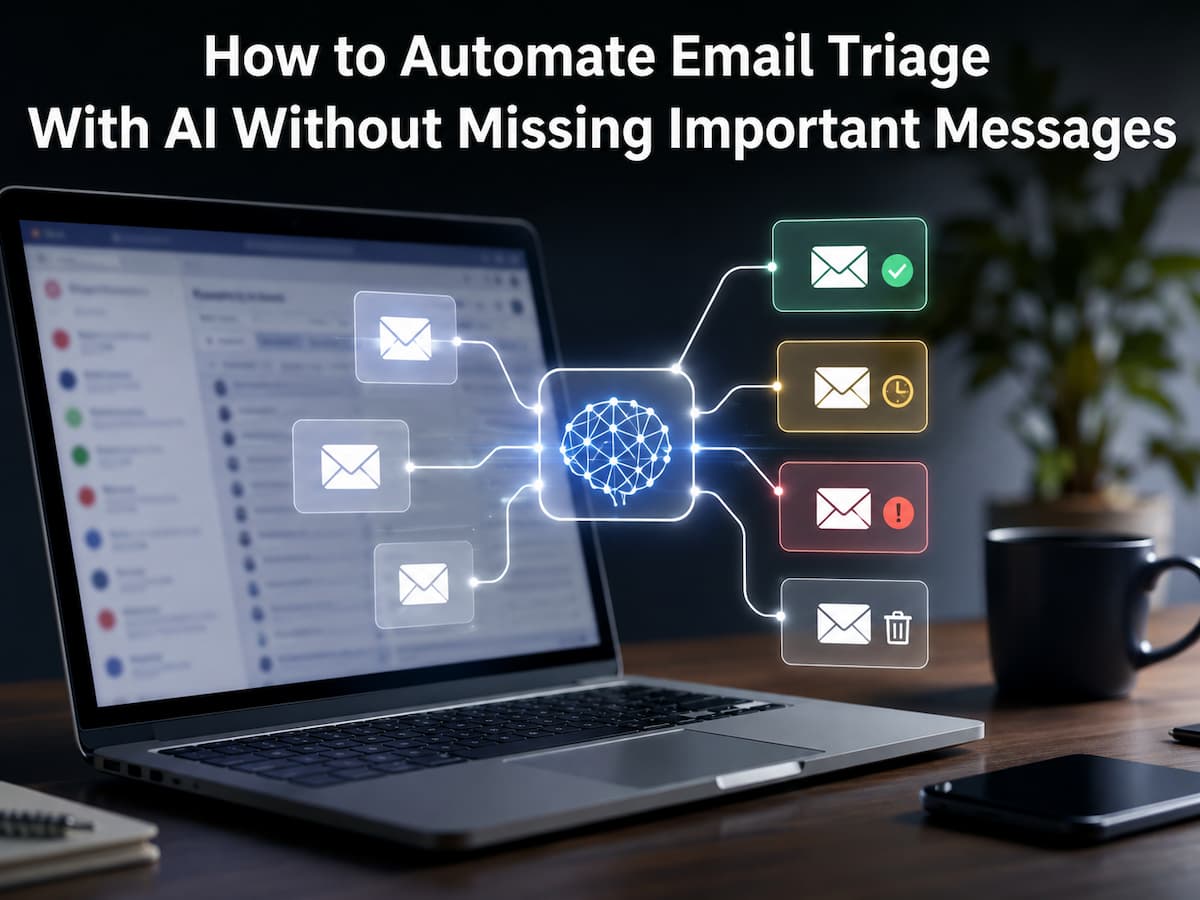
The Meaning of Email Triage
Email triage involves swiftly selecting what to do with each communication. You can reply immediately, read later, save, delegate, archive, or ignore the message. Triage is about prioritizing tasks, not just tidying an inbox.
Imagine getting 80 messages at work. Ten may need a reaction, five may have deadlines, 20 may be valuable, and the rest may be newsletters, notifications, receipts, or routine updates. Reading each message in order treats all 80 equally. Triage divides them.
Some mails can’t be classified by sender or subject line alone; thus, AI helps. The phrase “quick question” could be a simple question or a critical client request. AI analyzes language and context to recommend a category. Good email triage doesn’t remove manual decisions. It eliminates low-value decisions so you can focus on important messages.
Why AI Can Improve Email Triage
Traditional email filters perform well in predictable settings. If every invoice contains “invoice,” a rule can put it in an invoices folder. Filters can archive newsletters from the same address. Gmail has filters to classify, archive, delete, star, and forward messages, while Outlook has rules for moving and modifying their priority. These systems are useful because they behave predictably.
When message meaning matters more than a term, AI can add another layer. An AI system may recognize an email that requests approval, has a deadline, references a project, or requests details. It can also summarize extended chats so you may get the latest without reading every reply.
The best setup is therefore not “AI replaces email rules.” It is “AI helps interpret messages, while predictable rules handle predictable actions.” That separation makes the system easier to understand and safer to troubleshoot.
| Task | Best Approach | Reason |
|---|---|---|
| Move recurring newsletters. | Traditional rule | Predictable and easy to verify |
| Identify possible action items. | AI assistance | Meaning and context matter. |
| Summarize long threads. | AI assistance | Reduces reading time |
| Delete suspicious or uncertain mail. | Manual review | The cost of a mistake can be high. |
Build a Priority System Before Automating
Before asking AI to organize, take a moment to define what is “important” for yourself. One of the most overlooked features of email automation is the ability to set priorities. AI can’t consistently follow an undefined priority scheme.
Simple four-level models work for novices. First, urgent messages involve a deadline, major issue, active customer issue, or choice that must wait. Second, action-needed notifications require a response or job but are not urgent. Third, reference: helpful information for later. Fourth is low priority: newsletters, routine notifications, promotions, and other batch-reviewable messages.
Identify people and subjects who need special treatment. Regardless of the message, your boss, important clients, legal contacts, financial institutions, project owners, or family members may be more important than a broad newsletter. Create an “always review” group before “automatically archive.” Inbox cleanliness is less critical than exception protection.
AI Triage vs. Traditional Email Rules
Understanding the difference between AI and ordinary email automation prevents many mistakes. A rule usually follows a fixed condition. For example, “If the sender is [email protected], move the message to Newsletters.” The outcome is easy to predict. AI-based triage can work with less rigid signals, such as the meaning of a request or whether a message appears to require action. Neither approach is automatically better. Rules are excellent for repetitive patterns. AI is more useful when classification requires context. A mature inbox system usually uses both.
| Feature | Rules and Filters | AI Triage |
|---|---|---|
| Predictability | Very high | Can vary |
| Keyword-based sorting | Excellent | Useful but unnecessary |
| Understanding context | Limited | Stronger |
| Long-thread summaries | No | Yes. |
| Risk of unexpected classification | Lower | Higher |
Build a Safe AI Email Triage Workflow
A useful workflow can be built without immediately giving AI permission to delete or permanently modify messages. Start with classification and recommendations. Only add automatic actions after you have seen enough examples to trust the system.
Step 1: Separate obvious categories.
Use normal email rules for obvious patterns such as receipts, automated notifications, newsletters, shipping updates, or recurring reports. This reduces the amount of work that AI has to perform.
Step 2: Create an AI review layer.
Let AI identify messages that appear to require a response, contain a deadline, request approval, or relate to an active project. The AI does not need to take action immediately. It can simply assign a suggested label or produce a short explanation.
Step 3: Keep uncertain messages visible.
If the system cannot confidently decide whether a message is important, the safest action is to leave it in the main inbox or place it in a clearly visible review queue. Uncertainty should lead to review, not deletion.
Step 4: Review before expanding automation
After several days, inspect the classifications. Look for false positives and false negatives. A false positive might mark an ordinary message as urgent. A false negative is more serious: an important message is treated as low priority.
Warning: Never begin by allowing an AI workflow to permanently delete messages based only on its own judgment. Start with reversible actions such as labels, categories, folders, stars, flags, or drafts.
Protect Important Messages From Automation
The major problem is not whether AI email triage can sort 90% of your inbox. How the remaining 10% is handled. One missed communication can outweigh hundreds of well-sorted newsletters. Include safety exceptions in workflow. Despite their routine nature, chosen messages should remain displayed. Business terms, deadlines, payment demands, contract negotiations, security notices, and account cautions may require manual scrutiny.
Another precaution is not to automatically label a communication as insignificant because it resembles prior ones. Context shifts. A normal sender can transmit something crucial, turning a harmless email thread into a time-sensitive one. Try two signals for high-value mail. An email from a trusted contact with a request for action may be prioritized. This is safer than labeling all their emails urgent.
Summarize and Detect Actions with AI
Email summarization is a safe and effective AI use. AI can summarize what happened and what needs to happen instead of hiding messages. A 15-message project thread might be summarized as “The supplier confirmed Friday delivery. Sarah needs permission for the amended specification. You need not act until the specification is accepted.” A summary saves time and allows verification of the original conversation.
Action items can be extracted by AI. A reliable system should distinguish between requests and mentions. The difference between “We will send the report tomorrow” and “Please send the report tomorrow” is that the first is a statement of intent, while the second is a direct request. That matters because an automated system that regards every future date as a task may send unnecessary alarms. Access the original email while utilizing AI summaries. Summaries are convenience layers, not authoritative records. Before acting on messages on money, contracts, security, deadlines, or important issues, read the original.
Gmail/Outlook Automation Options
You may not require an automated platform to start. Gmail filters organize incoming messages. Create filters from search criteria and label, archive, star, delete, or forward. Google offers advanced filter advice for business and school accounts.
Rules, folders, categories, flags, and inbox functions provide Outlook a similar base. Microsoft 365 Copilot allows users to express a rule in natural language and review it before creating it. These built-in tools provide a reliable foundation. An AI service or automation platform can build on that foundation instead of replacing your email.
| Platform | Useful Built-In Features | Good Starting Point |
|---|---|---|
| Gmail | Filters, labels, categories, stars | Automate predictable messages first. |
| Outlook | Rules, folders, categories, flags | Create simple rules before AI workflows. |
| AI assistant | Classification, summaries, action detection | Use initially for recommendations. |
Privacy and Security Considerations
Email often contains personal information, customer details, financial records, internal documents, account information, and private conversations. That makes privacy an important part of email automation rather than an optional technical detail. Before connecting an AI service to your inbox, understand what information it receives, how long data is retained, whether it is used for model improvement, what permissions the integration requires, and whether your organization has rules about sending email content to third-party services.
The principle of least privilege is useful here. If an automation only needs to read messages and apply labels, it should not automatically receive permission to delete emails, send messages, or access unrelated files. NIST’s AI Risk Management Framework emphasizes trustworthy characteristics such as privacy, security, transparency, and accountability. Its generative AI profile also highlights risks related to sensitive and personally identifiable information. These principles are relevant when designing an AI-assisted inbox workflow, especially in a workplace.
Safety rule: Treat your email account as sensitive data. Give automation only the permissions it needs, and review those permissions when you change or remove a workflow.
Common Automation Mistakes to Avoid
One common mistake is trying to automate everything immediately. A complex workflow may look impressive but can become difficult to understand when something goes wrong. Start with one or two repetitive problems and expand gradually. Another mistake is using broad keywords. A rule that moves every message containing “payment” might also catch legitimate invoices, receipts, fraud warnings, or messages discussing a payment problem. Context matters, so broad rules should be tested carefully.
It is also risky to equate “unread” with “important.” Some important emails may be opened quickly and left unread later, while low-value notifications may remain unread for weeks. Read status is a weak signal on its own. Finally, avoid creating too many folders. If every type of email gets its destination, finding messages can become harder rather than easier. A small number of meaningful categories is usually easier to maintain.
Test and Improve Your Triage System
You should test the automation before you trust it with real decisions. Collect a sample of emails representing the situations you normally receive: newsletters, client requests, receipts, meeting invitations, project discussions, personal messages, and messages that contain deadlines. Please run your proposed workflow against that sample and record what it does. Pay special attention to messages that should never be hidden. If possible, begin with actions that can be reversed. Moving a message to a folder is easier to recover from than deleting it. A simple evaluation table can help:
| Test Question | Desired Result |
|---|---|
| Does a message from a priority contact stay visible? | Yes. |
| Does a newsletter avoid the priority queue? | Yes. |
| Does a deadline-related message receive review priority? | Yes. |
| Does an uncertain message remain accessible? | Yes. |
| Can every automated action be reversed? | Preferably |
Maintain the System Over Time
Email patterns vary. Newsletters can change senders. Companies can modify notification formats. Join a new project, move roles, or switch services. Automation systems can become inaccurate after six months of working correctly. Please schedule a brief review every few weeks or months. Examine misclassified messages and identify why. If the same mistake keeps happening, please replace the rule or AI instruction instead of manually fixing each message.
Review obsolete categories and inactive rules. Remove non-problem-solving workflows. Fewer well-maintained automations are better than dozens of forgotten ones. Keep simple records of critical automations, especially for work accounts. When asked why a message went to a folder, knowing the guidelines simplifies debugging.
AI Email Triage in Practice
Suppose a freelance designer has one account for client requests, invoicing, software notifications, newsletters, and personal email. The designer could first build newsletter and automated notification rules before asking AI to control everything. Some messages are predictable and straightforward to classify.
Next, AI might identify action items from the remaining communications. A client communication asking, “Could you send the revised homepage by Thursday?” may be labeled “Action Needed.” AI could summarize a lengthy project feedback conversation. Financial messages are exempt; therefore, payment provider messages can stay accessible.
In the first week, the designer reviewed AI classifications. If multiple legitimate customer requests are misclassified as low priority, the workflow might be changed. A perfect automated mailbox is not the aim. Reduce unnecessary reading while highlighting crucial communication. This example shows the key to safe AI email triage: automate the predictable, assist with the complicated, and keep high-stakes decisions human.
Conclusion
AI email triage is more about constructing a dependable mechanism for prioritizing emails than a fully automated inbox. The safest method uses simple rules and AI. Let traditional filters handle reliable communications, utilize AI to summarize discussions and assess context, and display essential or ambiguous messages.
The most crucial precaution is defining your priority system before automating. Choose which people, subjects, deadlines, and communications you must always address. Start with reversible activities, test the workflow with real cases, and frequently examine errors. A well-designed AI email workflow should calm your inbox without compromising trust. Automation is working if you can spend less time sorting mundane messages while still seeing crucial messages.
FAQs
1. Can AI organize my emails?
AI-based systems can identify and arrange many communications, but full automation is risky. A crucial email can look like a regular message. Automating predictable categories first and using AI for classification, summaries, and recommendations is better. You can automate low-risk actions after testing the workflow and understanding its mistake patterns. Allow humans to review sensitive, uncertain, or crucial messages.
2. How can I stop AI from burying essential emails?
Exceptions precede aggressive sorting rules. Priority contacts, deadlines, security alerts, financial concerns, contracts, and other high-consequence communications should be prioritized. Prevent automatic deletion of uncertain messages. Use visible labels, folders, flags, or review queues. Testing with real instances is crucial since a workflow can appear accurate but make important mistakes.
3. Does AI outperform Gmail filters and Outlook rules?
Not necessarily. Because of their predictability, traditional filters and rules are excellent for simple, recurring activities. AI is more useful when a judgment depends on message context. For instance, determining if an email request is real may involve more than confirming the sender. Combo systems are frequently more feasible than single-approach ones.
4. Should AI automatically delete emails?
Most users should consider automated deletion risky. Misclassification can delete a communication you need. Start with disposable messages and review the rule if a category needs deletion. Archived or labeled messages are safer for uncertain or critical ones because the original stays available. Beginning AI-assisted email automation with reversible actions is best.
5. How often should AI email workflows be checked?
There is no set routine, but a monthly inbox checkup is a good start. Check message classification, existing rules, and new senders or projects for exceptions. Email importance and error effects should determine how often you review your business workflow. If your position, projects, or communication patterns change considerably, examine the automation instead of assuming it will function.