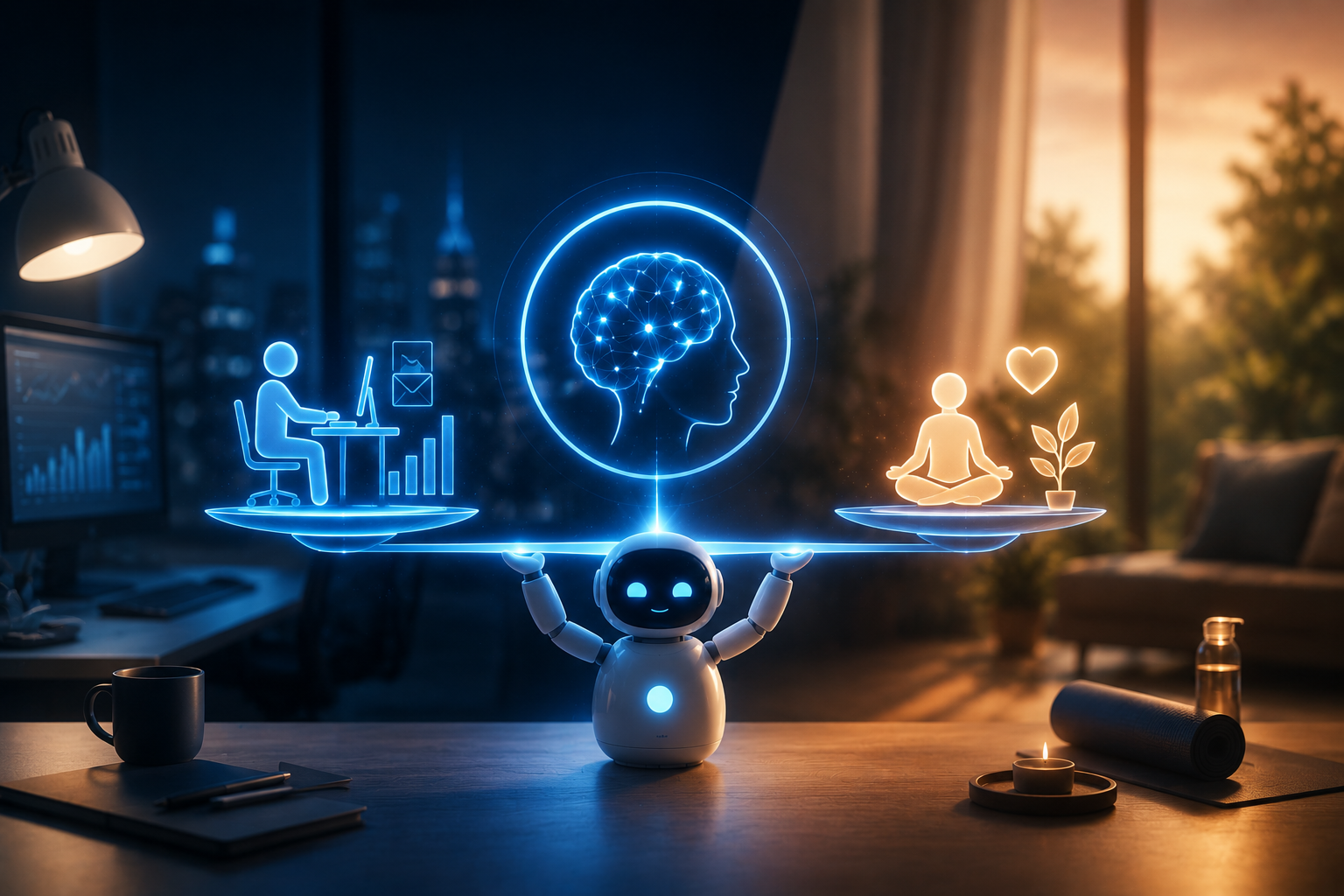
In today’s interconnected society, it’s harder than ever to strike a satisfactory work-life balance. With the advent of smartphones, IM, cloud collaboration tools, and remote work, it is now feasible to remain productive regardless of one’s location. The boundaries between work and leisure time have likewise become more porous as a result of their influence.
More self-control is the answer, according to many. They vow to themselves to avoid checking email after supper, ignore messages sent at midnight, and decline pointless meetings. Although it’s important to uphold effective habits, it can be frustrating to rely just on willpower, especially with the way current technology is meant to keep people interested.
Artificial intelligence offers an alternative strategy. Artificial intelligence (AI) can automate beneficial behaviors and set digital boundaries to protect your time, rather than requiring you to resist every distraction. Artificial intelligence (AI) makes it easier to disconnect at the end of the day by handling communication, organizing calendars, balancing workloads, and avoiding unwanted distractions. This permits you to focus on meaningful work during the workday. In this manual, we’ll look at concrete ways AI can assist you in reducing stress, improving your long-term productivity, and strengthening your work-life boundaries.
An Analysis of the Importance of Work-Life Boundaries
Setting and sticking to healthy limits is critical to your success in the workplace and in life generally. Work starts to creep into your personal life—your evenings, weekends, vacations, and even family time—when there are no defined boundaries. Over time, being constantly available can lead to the following:
- Worry and tension levels
- Exhaustion on all fronts
- Lack of quality sleep
- Lack of originality
- Decreased output
- Problems focusing
- Burnout
- Difficult interpersonal connections
Working less is not the same as creating healthy boundaries. To put your personal life first, you need to work smarter, not harder. The positive news is that using AI-powered technologies simplifies this process significantly compared to just using willpower.
Let AI Manage Your Communication
One of the greatest challenges professionals face is feeling obligated to respond immediately whenever a message arrives. Emails, chat notifications, phone calls, and text messages create a constant sense of urgency—even when very few actually require immediate attention. AI-powered communication assistants reduce this pressure by organizing conversations according to your preferences. Instead of interrupting your day every few minutes, AI can:
- Prioritize important messages
- Filter promotional emails
- Separate urgent conversations from routine requests
- Schedule outgoing emails
- Organize inboxes automatically
- Generate intelligent replies
- Group similar messages together
This allows you to review communications at scheduled times instead of reacting to every notification.
Create Clear Availability Expectations
One effective strategy is allowing AI to automatically inform others when you are available. For example, an intelligent email assistant can explain that it reviews messages during business hours and still provides instructions for genuine emergencies. Clear expectations reduce unnecessary follow-up emails and encourage healthier communication habits across teams.
Delay Emails Until Business Hours
Many professionals continue working after hours because inspiration strikes in the evening. There’s nothing wrong with writing an email at 10:00 PM. The problem begins when recipients receive that email immediately. Over time, they start expecting late-night responses. AI scheduling tools solve this issue by allowing you to compose emails whenever it’s convenient while automatically delivering them during normal working hours. This simple adjustment helps reinforce professional boundaries without affecting productivity.
Build a Smarter Calendar with AI
Calendars often become overcrowded as meetings fill every available time slot. Without careful planning, there is little room left for focused work, personal commitments, or even short breaks. AI scheduling assistants help protect your calendar by automatically organizing appointments according to your priorities. Instead of simply finding spaces, AI evaluates your workload, preferred working hours, deadlines, and personal commitments before suggesting meeting times. This results in a schedule that supports productivity rather than overwhelming it.
Protect Personal Time Automatically
Personal commitments deserve the same respect as business meetings. AI can reserve recurring blocks for activities such as the following:
- Exercise
- Family dinners
- School pickups
- Medical appointments
- Personal learning
- Hobbies
- Vacations
Because these activities already exist on your calendar, meeting requests are far less likely to replace them.
Preserve Deep Work Sessions
Complex tasks require uninterrupted concentration. Unfortunately, frequent meetings often break that focus. AI identifies your most productive hours and automatically reserves them for activities requiring deep thinking, including writing, research, planning, design work, coding, or strategic decision-making. Meetings can then be scheduled during lower-energy periods where they cause less disruption.
Reduce Meeting Overload
Not every discussion requires a meeting. Modern AI scheduling platforms analyze meeting patterns and identify opportunities to reduce unnecessary appointments. Some meetings can be replaced with:
- Shared documents
- Recorded video updates
- Email summaries
- Collaborative notes
- Project management comments
Reducing unnecessary meetings creates more time for meaningful work while lowering stress throughout the week.
Balance Your Workload Before Burnout Begins
Many professionals don’t notice workload problems until they are already overwhelmed. AI changes the situation by continuously monitoring task volume, deadlines, meeting density, and available working hours. Instead of waiting until your schedule becomes impossible to manage, AI identifies warning signs early. For example, it can recognize when:
- Too many deadlines fall within the same week.
- Daily workloads exceed realistic working hours.
- Projects are often delayed.
- Administrative work consumes too much time.
- Meetings leave little opportunity for focused work.
These insights allow you to make adjustments before stress becomes unmanageable.
Prioritize the Right Tasks
Traditional to-do lists simply show everything you need to complete. AI goes much further. It considers factors such as deadlines, importance, estimated completion time, project dependencies, and business impact before recommending what should be completed first. Instead of constantly deciding what deserves attention, you receive a prioritized action plan that changes automatically as new tasks arrive.
Match Work to Your Energy Levels
Everyone experiences predictable energy cycles throughout the day. AI learns these patterns over time and schedules demanding work during your highest-energy periods while reserving routine tasks for times when concentration naturally declines. Working with your body’s natural rhythm often improves both productivity and job satisfaction.
Encourage Healthy Breaks
Many people skip breaks because they believe constant work increases productivity. Research consistently shows the opposite. Short recovery periods improve concentration, creativity, memory, and decision-making. AI scheduling tools automatically reserve time for:
- Walking
- Stretching
- Hydration
- Lunch
- Brief relaxation
- Screen-free breaks
These small pauses help maintain consistent performance throughout the day rather than encouraging exhaustion.
Create a Digital Environment That Supports Healthy Habits
Even with a well-organized schedule, work can still spill into your personal life if your devices constantly demand attention. Smartphones, tablets, and laptops make it all too simple to answer “just one email,” but that quick check often turns into an hour of unexpected work. AI-powered digital wellness tools help create a healthier relationship with technology by automatically limiting distractions and encouraging better habits. Instead of relying on self-control every evening, your devices become active partners in protecting your downtime.
Reduce After-Hours Notifications
Constant notifications make it difficult to relax. Every vibration or alert interrupts conversations, hobbies, family time, or simply enjoying a quiet evening. AI can intelligently manage notifications based on context rather than treating every message equally. For example, work-related alerts can be silenced after business hours while allowing calls or messages from close family members to come through. This approach helps you stay informed without feeling constantly connected to work.
Use Smart Focus Modes
Modern operating systems include focus features, but AI takes them a step further by automatically switching between work and personal modes. During work hours, productivity apps remain easily accessible while entertainment distractions are minimized. At the end of the workday, AI can reverse these settings by limiting access to business applications and reducing work-related notifications. These changes happen automatically, so you don’t have to remember to activate them every day.
Build a Healthy Evening Routine
Quality sleep is one of the most important factors affecting productivity and overall health. Unfortunately, late-night screen time often delays sleep and keeps the mind focused on work. AI can help create a smoother transition into the evening by gradually changing how your devices behave. Helpful automations may include:
- Dimming screen brightness before bedtime
- Enabling blue-light reduction
- Silencing non-essential notifications
- Limiting access to work applications
- Playing relaxing music or ambient sounds
- Reminding you to begin your bedtime routine
These small adjustments encourage healthier habits without requiring constant effort.
Stay Present During Personal Time
Being physically present doesn’t always mean being mentally present. Many people continue thinking about work while spending time with friends or family because emails, messages, and unfinished tasks remain only a notification away. AI can reduce these interruptions and help you focus on the people and activities that matter most.
Limit Unnecessary Interruptions
Context-aware AI systems recognize when you’re engaged in personal activities such as exercising, reading, eating dinner, or attending family events. During these moments, the system keeps non-urgent notifications hidden until a more appropriate time. Instead of constantly checking your phone, you can enjoy uninterrupted personal experiences.
Separate Work and Personal Spaces
Remote work has blurred the boundaries between home and office. AI helps recreate those boundaries digitally by recognizing where and when you work.
For example:
- Business apps can become more accessible when you arrive at your workspace.
- Personal notifications can prioritize leaving work.
- Home automation routines can support the transition from work mode to relaxation mode.
These subtle changes make it easier to mentally switch between professional responsibilities and personal life.
Build a Complete AI Boundary System
You can’t achieve a healthy work-life balance with just one app or feature. It comes from combining multiple tools that work together.
A balanced AI productivity system may include:
| Area | AI Solution | Primary Benefit |
|---|---|---|
| Smart inbox management | Reduces communication overload | |
| Calendar | Intelligent scheduling | Protects personal and focus time |
| Task Management | AI prioritization | Prevents workload imbalance |
| Notifications | Context-aware filtering | Reduces distractions |
| Device Usage | Digital wellness tools | Encourages healthy technology habits |
| Focus Sessions | AI productivity assistants | Improves concentration |
| Automation | Workflow automation | Saves time on repetitive tasks |
Each component reinforces the others, creating a healthier daily routine with less manual effort.
Encourage a Healthier Workplace Culture
When the entire organization supports them, personal boundaries become much easier to maintain. Leaders can use AI not only to improve their productivity but also to create healthier expectations for their teams.
Organizations can encourage balance by doing the following:
- Respecting non-working hours
- Limiting unnecessary meetings
- Promoting asynchronous communication
- Measuring performance by results instead of online availability
- Encouraging employees to take breaks and vacations
- Using automation to eliminate repetitive administrative work
When leaders demonstrate healthy work habits, employees feel more comfortable doing the same.
Long-Term Benefits of AI-Assisted Work-Life Balance
Establishing healthy boundaries today creates lasting benefits for both your career and personal life. Professionals who consistently maintain balanced work habits often experience:
- Lower stress levels
- Better physical and mental health
- Improved sleep quality
- Higher job satisfaction
- Increased creativity
- Better decision-making
- Stronger personal relationships
- Greater long-term career sustainability
Rather than viewing work-life balance as a luxury, successful professionals increasingly recognize it as an essential component of long-term success. By allowing AI to handle repetitive decisions, organize information, and reduce unnecessary interruptions, you can devote more energy to meaningful work while preserving time for the people and activities that enrich your life.
Practical Tips for Building AI-Powered Work-Life Boundaries
Artificial intelligence is most effective when it supports healthy habits rather than replacing them. The goal isn’t to automate every aspect of your workday but to remove unnecessary friction and create routines that are easier to maintain over time. If you’re just getting started, focus on a few simple improvements instead of trying to overhaul your entire workflow at once.
Here are several practical ways to begin:
- Schedule dedicated work hours and let AI manage notifications outside those hours.
- Use AI to organize your inbox so important messages are easier to identify.
- Reserve daily focus blocks in your calendar for deep, uninterrupted work.
- Allow AI to prioritize your task list based on deadlines and importance.
- Automate repetitive administrative work whenever possible.
- Schedule regular breaks to maintain energy throughout the day.
- Review your workload weekly and adjust priorities before stress builds up.
- Protect evenings, weekends, and vacations by limiting unnecessary work communications.
Small improvements practiced consistently often produce better long-term results than major changes that are difficult to maintain.
Common Mistakes to Avoid
Although AI can significantly improve productivity and work-life balance, you should use it thoughtfully. Relying on automation without reviewing your habits may create new challenges. Avoid these common mistakes:
- Allowing Technology to Control Every Decision
- Automating Too Many Notifications
- Ignoring Personal Preferences
- Forgetting Regular Reviews
Conclusion
Creating a healthy work-life balance isn’t about avoiding hard work—it’s about working with intention. In today’s always-connected world, maintaining clear boundaries can be challenging, but artificial intelligence offers practical solutions that make it easier to establish and maintain those boundaries.
From organizing emails and protecting your calendar to balancing workloads and reducing digital distractions, AI can help you regain control over your time without sacrificing productivity. Instead of reacting to every notification or constantly juggling competing priorities, you can build systems that encourage focused work during business hours and uninterrupted personal time afterward.
The key is to use AI as a supportive tool rather than a replacement for thoughtful decision-making. Start with one or two improvements, evaluate what works best for your routine, and gradually expand your system as your needs evolve. A healthier relationship with technology leads to better focus, reduced stress, improved well-being, and a more sustainable career. By combining smart habits with intelligent automation, you can create a work environment that supports both professional success and a fulfilling personal life.
FAQs
1. Really, can AI improve work-life balance?
Yes, AI can automate mundane jobs, create schedules, set priorities, handle notifications, and cut down on distractions so you can focus on more important things.
2. Does AI solely benefit giant corporations?
Yes, productivity tools powered by AI can help not only full-time employees but also students, small business owners, remote workers, and freelancers. Individual users can choose affordable or free programs with several applications.
3. Can we expect AI to supplant productivity apps?
Instead of displacing them, AI is improving productivity apps. These days, you may find AI capabilities that enhance the performance of many well-known email, calendar, project management, and communication systems.
4. How do I keep from becoming totally reliant on AI?
You can continue making crucial judgments while AI automates repetitive tasks. Make sure your workflows, priorities, and schedules are in line with your professional and personal goals by reviewing them frequently.
5. Will AI productivity tools keep my data safe?
To keep customer information safe, the majority of respectable service providers utilize encryption and other precautions. Before you use the AI service, check that its security measures, privacy policies, and data handling protocols are adequate.